How I Use EMA Ribbon Clouds to Scalp Gold on M5
My exact entry rules, stop placement, and why ribbon expansion matters more than crossovers.
Not another indicator shop. I'm a trader who got tired of messy signals, repainting arrows, and tools that fall apart in live markets. So I started building my own. Every indicator I sell is something I personally use on my charts, every single day.
These are my most popular tools — used daily by traders who are serious about getting clean entries, managing risk properly, and not staring at screens all day.
New
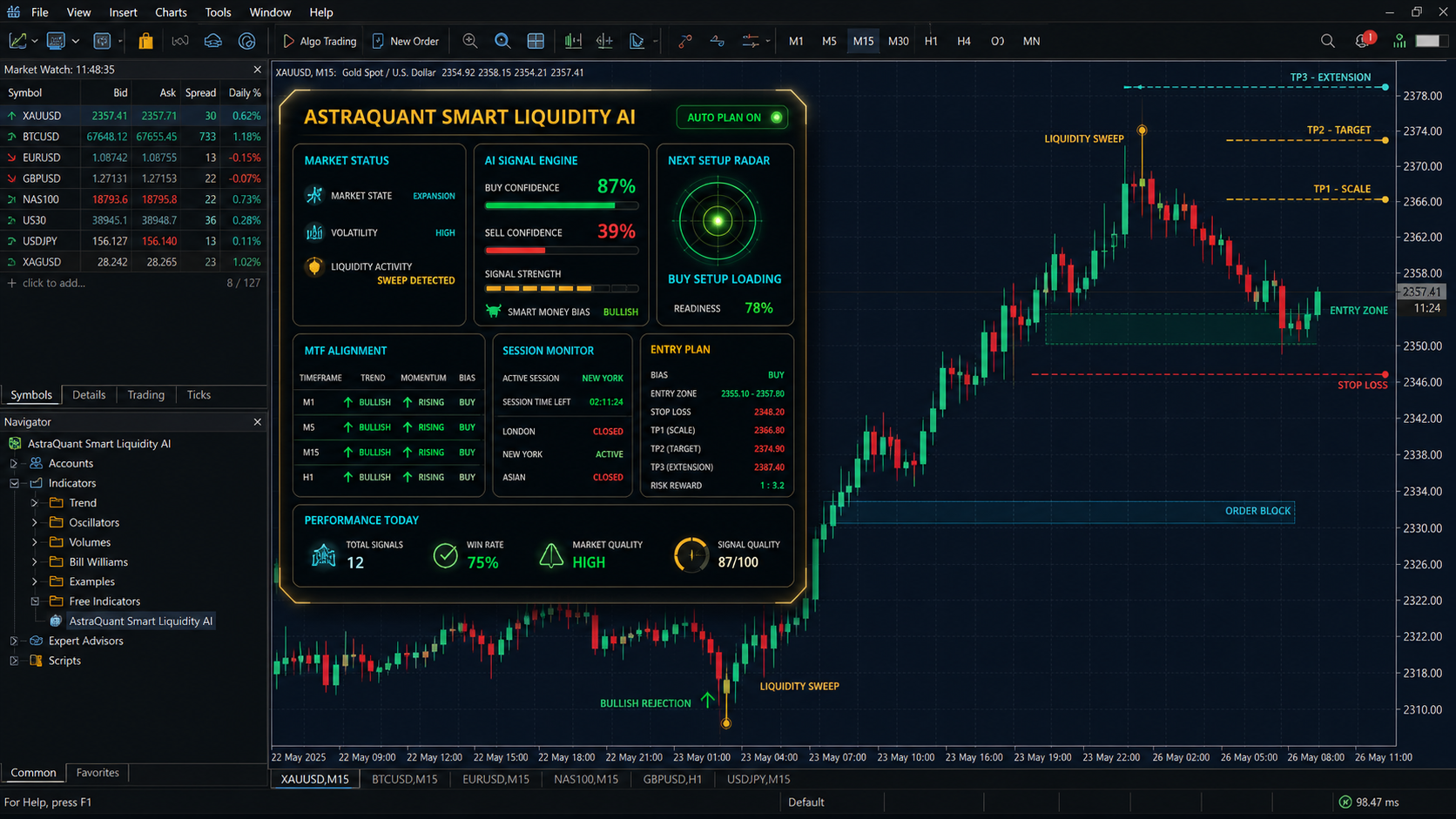
Gold EMA Ribbon Scalper ProBuilt specifically for XAUUSD scalping. EMA ribbon clouds show you the trend at a glance, and the signal engine gives you exact entry/exit with 4-level TP and trailing stop. This is the tool I use on my own gold charts.
Indicator
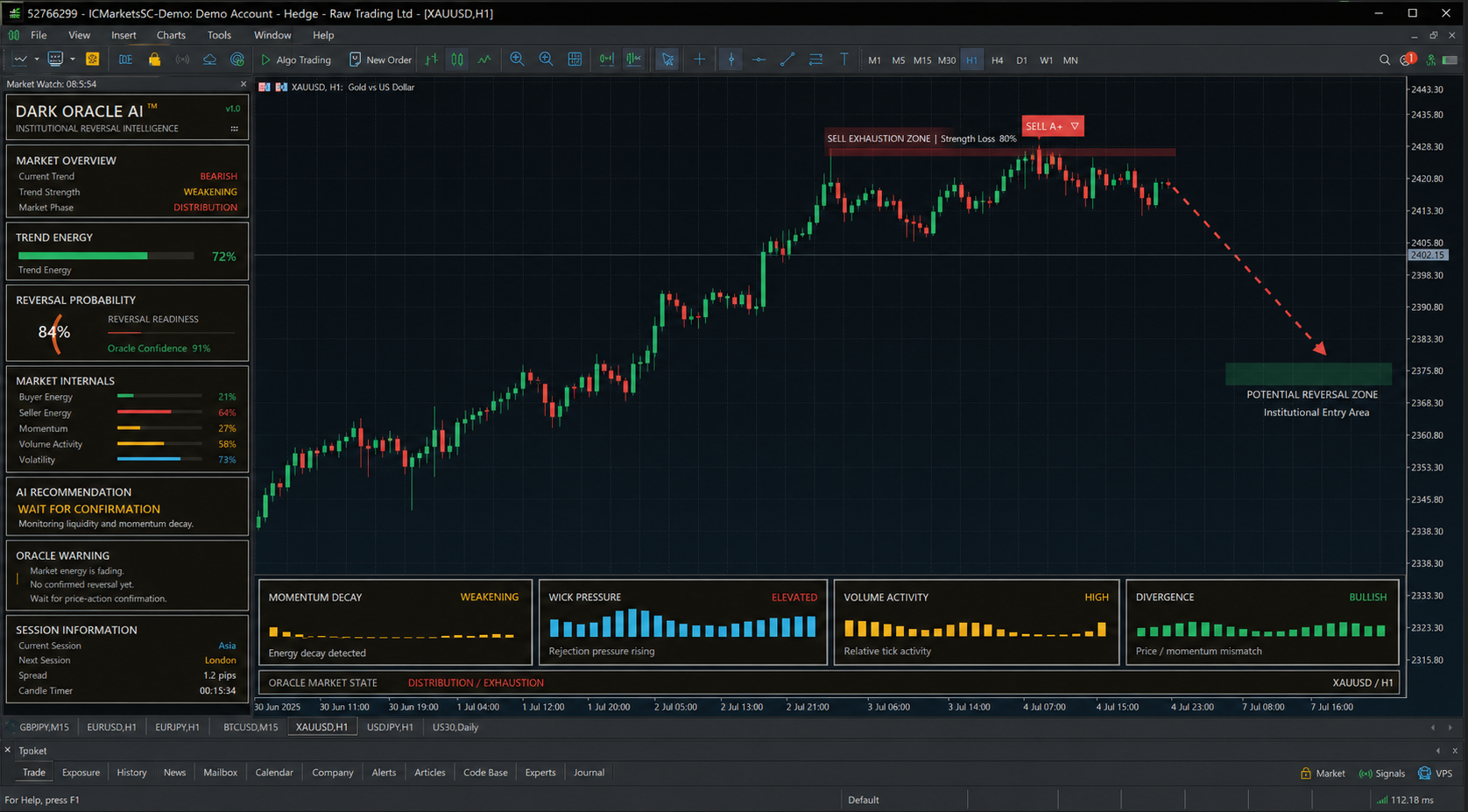
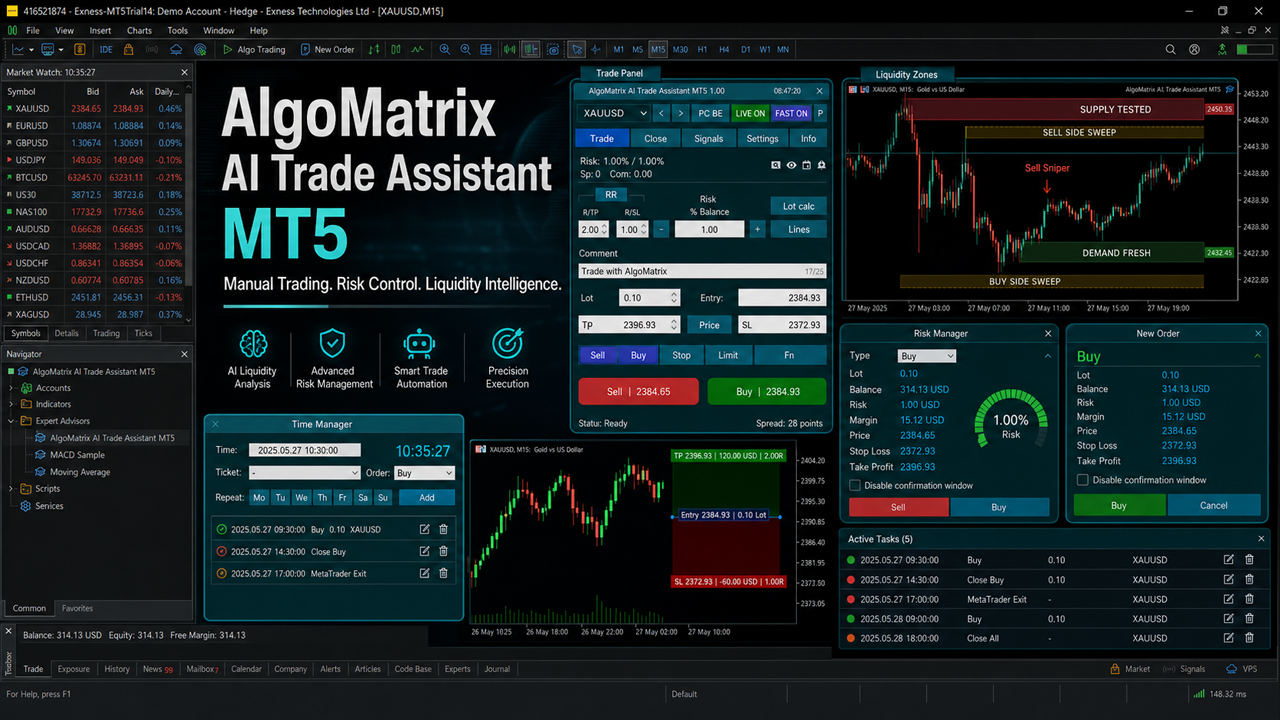
AlgoMatrix Buy Sell Signal ProAnalyzes 4 timeframes simultaneously, grades every signal from C to A+, and draws exact entry, stop loss, and take profit on the chart. The dashboard alone changed how I trade. Signals never repaint.
Indicator
Wave Rider ProDetects high-probability wave reversals with smart TP/SL zones painted directly on the chart. I built this because I kept missing the start of moves — now the arrows show up exactly where I need them.
Expert Advisor
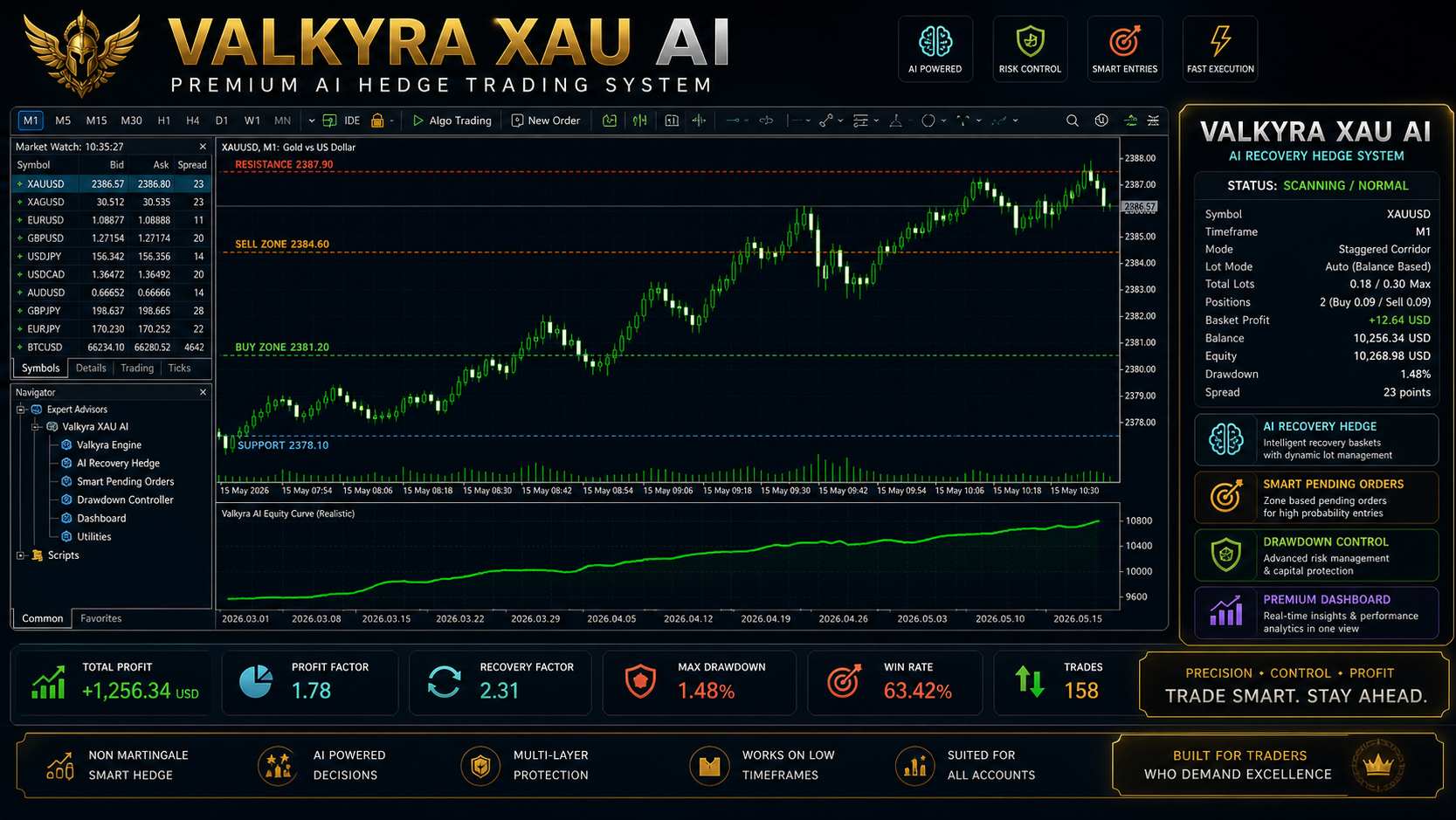
Gold Scalp Matrix ProFully automated XAUUSD scalping robot for M5. Combines EMA-200 trend confirmation with SAR reversal detection and multi-position scaling. For traders who want hands-off gold scalping with smart risk control.
Indicator
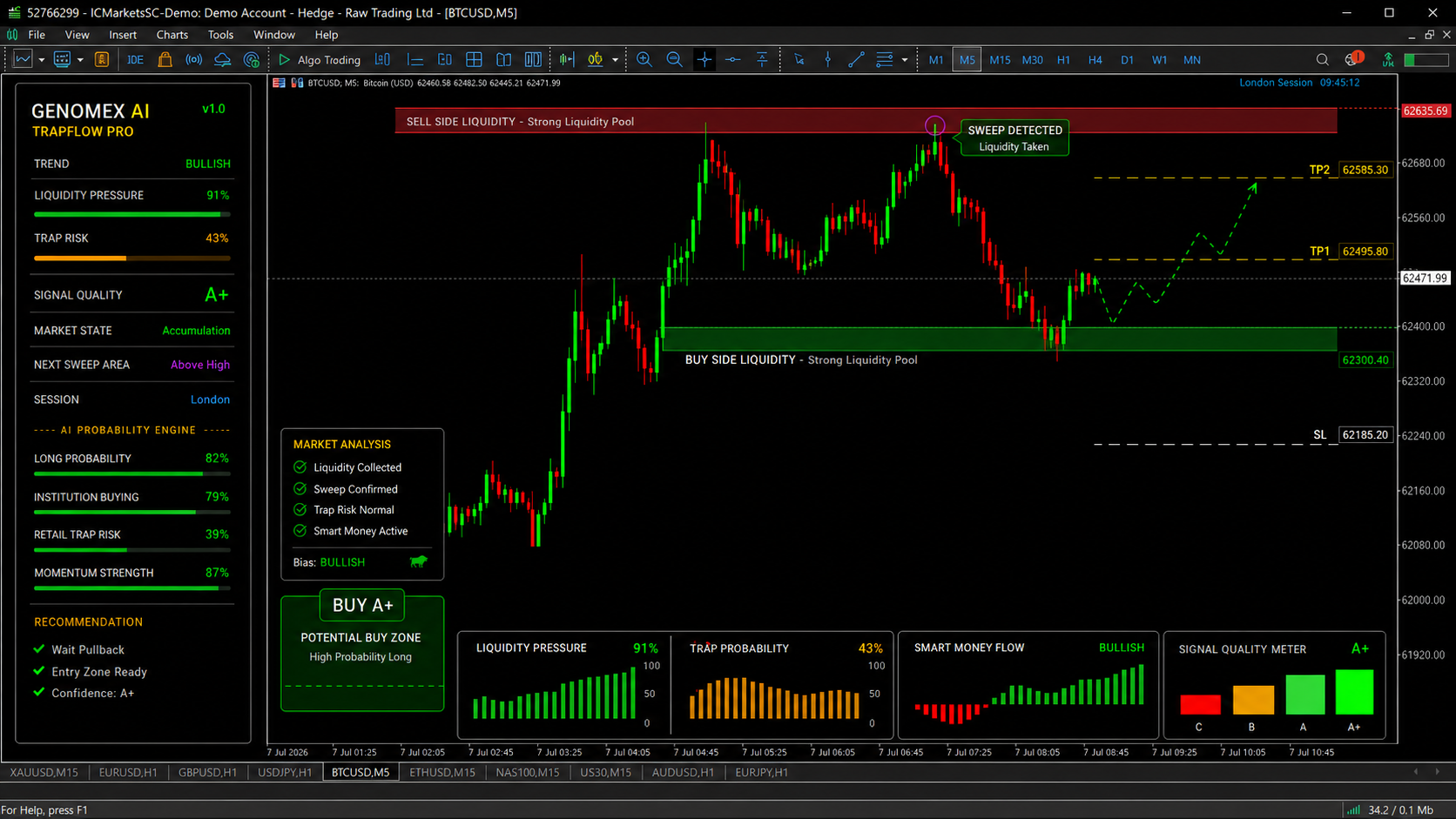
Order Block Sniper ProSmart Money Concepts done right. Automatically identifies order blocks, fair value gaps, liquidity sweeps, and market structure shifts. I got tired of drawing these manually — now the chart does it for me.
Indicator
Multi Symbol Scanner ProScans 30+ symbols across 7 timeframes with 8+ indicators — all from one dashboard. Instead of flipping through 50 charts every morning, I open this scanner and immediately see where the setups are.
I've tested hundreds of indicators over the years. Most of them promised the world but couldn't survive one week of real trading. Here's what I do differently.
Every signal is calculated on confirmed bars. The arrow you see at market close stays there forever. No shifting, no disappearing, no "it looked different yesterday." What you see is what happened.
Most of my tools include an interactive dashboard right on the chart — multi-timeframe analysis, signal grades, filter status, active TP/SL tracking. You get a complete picture without switching charts.
Every indicator comes with multi-level take profit and stop loss zones drawn directly on the chart. Not just "buy here" — but exactly where to place your SL and TP1 through TP4. That's the part most indicators skip.
Even though I mainly trade Gold (XAUUSD), every tool works on Forex pairs, indices, crypto — anything your MT5 broker offers. I've tested them on EURUSD, GBPJPY, NAS100, BTCUSD, and they hold up.
When I improve an indicator — new features, better performance, bug fixes — you get that update at no extra cost. I'm constantly refining these tools because I use them myself. Your purchase grows with time.
When you message me, you're talking to the person who wrote every line of code. I don't have a support team in another country. I answer questions personally, usually within a few hours.
No complicated setup. No coding required. Three simple steps and you're trading with professional-grade tools.
Browse the products, read what each one does, check the screenshots. Every indicator solves a specific problem — find the one that matches how you trade.
All purchases go through the official MQL5 Marketplace. Your license is activated instantly. MetaQuotes handles the payment — secure, verified, no shady payment links.
Open MT5, find your indicator in Navigator → Market, drag it onto your chart. Default settings work great out of the box. Tweak later when you're comfortable.
These reviews come from verified MQL5 buyers. I can't edit or delete them — they're completely independent.
"I've been trading XAUUSD for 3 years and tried probably 20+ indicators. This is the first one where the signals actually match what happens on the chart. The dashboard alone is worth the price."
"The multi-timeframe analysis changed how I trade completely. I used to look at one timeframe and wonder why I kept getting stopped out. Now I see the bigger picture before I enter."
"Best trade manager I've found for MT5. The smart trailing stop is incredible — it actually adapts to volatility instead of using a fixed distance. My winners run much longer now."
Real strategies I use daily. No fluff, no affiliate bait — just practical gold trading knowledge from someone who actually trades.
My exact entry rules, stop placement, and why ribbon expansion matters more than crossovers.
Which sessions drive gold price action, and why I completely skip the Asian session.
Most traders don't realize their indicator is lying. A 2-minute test to catch repainting.
Quick answers to the questions I get asked most often by traders before purchasing.
Yes. While I designed and optimized them primarily for XAUUSD, every indicator works on Forex pairs (EURUSD, GBPJPY, etc.), indices (NAS100, US30), crypto, and any other symbol your MT5 broker offers. The underlying logic is universal — only the default settings are tuned for gold.
No. Every signal is calculated on a confirmed (closed) bar. Once an arrow appears, it stays there permanently. There's no redrawing, shifting, or disappearing. What you see on the chart is exactly what happened at that moment.
No, these are built exclusively for MetaTrader 5 (MT5). They use MQL5-specific features that aren't available on MT4 or other platforms. If your broker offers MT5 (most do nowadays), you're good to go.
Yes! Every product on MQL5 Marketplace has a free demo version you can download and test on a demo account before purchasing. This lets you see exactly how the indicator looks and works on your charts — no commitment required.
After purchase, open MT5 and go to Navigator → Market → Purchases. Your indicator will be there — click to install, then drag it onto any chart. The entire process takes about 2 minutes. Default settings work great out of the box.
Refunds are handled by MQL5 Marketplace according to their policy. However, I encourage you to use the free demo version first to make sure the tool fits your trading style. If you have any issues after purchase, message me directly — I'll help you get set up properly.
All updates are free for life. I actively maintain and improve every product — adding features, optimizing performance, and fixing any issues. When I push an update, you get it automatically through MQL5 Marketplace at no extra cost.